
Why Is Clear History Greyed Out on iPhone? (Safari Fix Guide 2026)
Fix the Safari ‘Clear History and Website Data’ greyed out problem on iPhone and iPad with these easy troubleshooting steps.
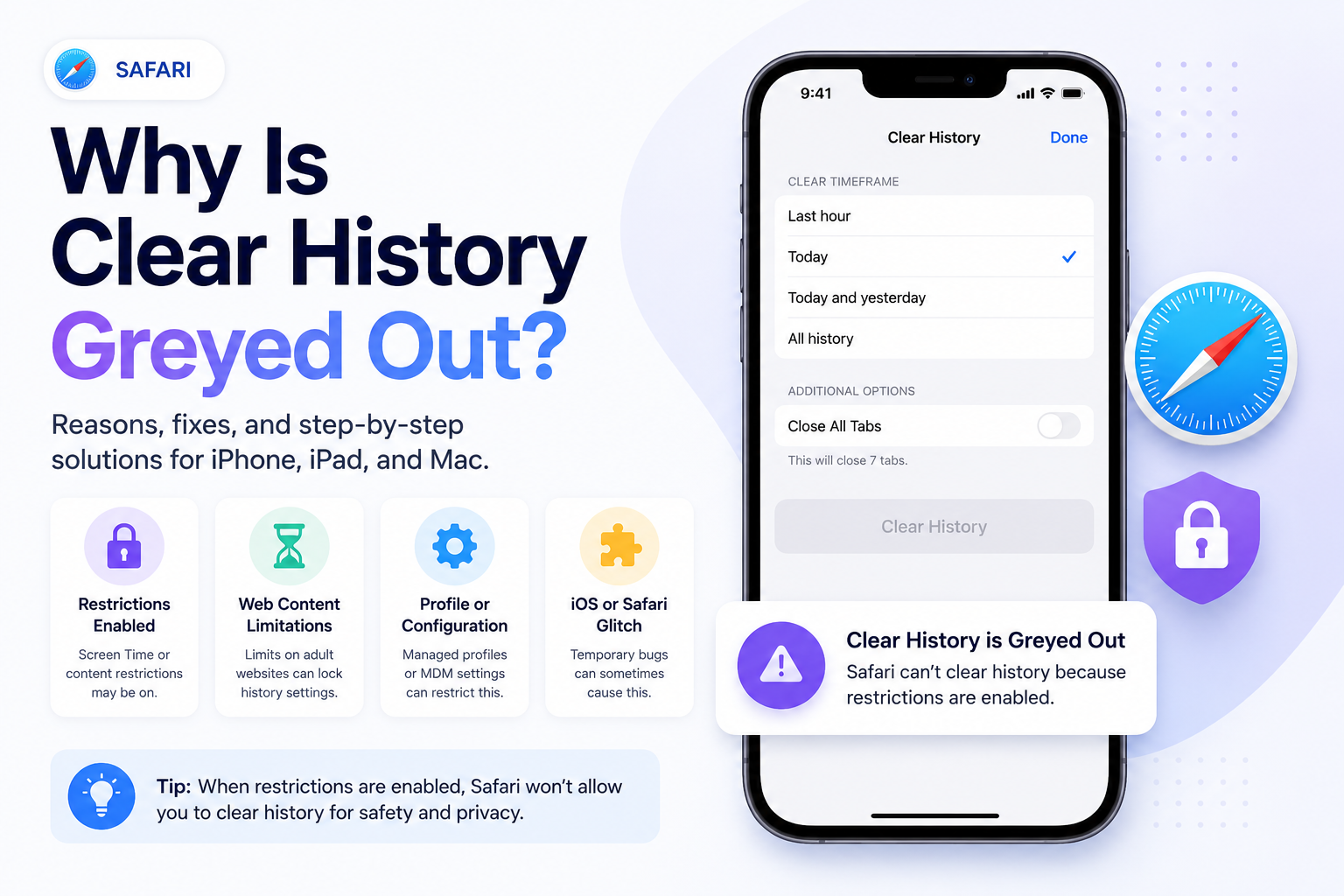
Why Is Clear History Greyed Out on iPhone? (Safari Fix Guide 2026)
Many iPhone and iPad users notice that the:
- Clear History and Website Data
button in Safari settings is greyed out and unavailable.
This can be confusing if you want to delete browsing history, cookies, and website data for privacy reasons.
Fortunately, there are several common reasons why this happens — and most are easy to fix.
In this guide, you’ll learn:
- Why Safari Clear History is greyed out
- How to fix the issue on iPhone and iPad
- What causes the setting to become disabled
- How to clear Safari history successfully
- Privacy tips for Safari users
Quick Answer
Safari’s “Clear History and Website Data” option may be greyed out because:
- Safari restrictions are enabled
- Screen Time content filtering is active
- There is no browsing history to delete
- Private Browsing is being used
- Device management restrictions exist
- Safari syncing settings interfere
Most users can fix the issue by adjusting Screen Time restrictions.
Fix 1: Disable Safari Content Restrictions
The most common cause is Screen Time content filtering.
To fix it:
- Open Settings
- Tap:
- Screen Time
- Select:
- Content & Privacy Restrictions
- Tap:
- Content Restrictions
- Open:
- Web Content
- Change the setting to:
- Unrestricted Access
After changing this setting, return to Safari settings and check if the Clear History option becomes available.
Fix 2: Check If Safari History Already Cleared
Sometimes the button is greyed out simply because there is no browsing history available.
If Safari has:
- No browsing history
- No cookies
- No website data
then the button may appear disabled.
Try visiting a few websites and checking again.
Fix 3: Disable Screen Time Restrictions Entirely
If restrictions continue causing problems:
- Open Settings
- Tap:
- Screen Time
- Turn off:
- Content & Privacy Restrictions
You can re-enable restrictions later if needed.
Fix 4: Check Device Management Restrictions
If your iPhone or iPad is:
- School-managed
- Company-managed
- Controlled by parental restrictions
administrators may disable Safari history deletion.
To check:
- Open Settings
- Go to:
- General
- VPN & Device Management
If device profiles exist, some settings may be restricted.
Fix 5: Restart Your iPhone or iPad
Temporary software glitches can occasionally affect Safari settings.
Try:
- Restarting your device
- Reopening Safari
- Checking the setting again
Fix 6: Update iOS
Older iOS versions may contain Safari bugs.
To update:
- Open Settings
- Tap:
- General
- Software Update
- Install any available updates
Fix 7: Disable Safari Sync Temporarily
In some cases, iCloud Safari syncing may interfere with history deletion.
To test:
- Open Settings
- Tap your Apple ID
- Select:
- iCloud
- Turn off:
- Safari
Wait a few moments and check Safari settings again.
How to Clear Safari History Once Fixed
After resolving the issue:
- Open Settings
- Tap:
- Safari
- Select:
- Clear History and Website Data
- Confirm deletion
Safari will remove:
- Browsing history
- Cookies
- Cached files
- Website data
What Happens When You Clear Safari History?
Safari may:
- Log you out of websites
- Remove cookies
- Delete browsing history
- Remove cached website files
- Clear temporary site data
Bookmarks and saved passwords are usually not deleted.
Does Private Browsing Cause This Problem?
Sometimes.
If you mainly use Safari Private Browsing, Safari may not store enough local history to enable the deletion button.
Private Browsing prevents:
- Local history storage
- Saved searches
- Long-term cookies
Frequently Asked Questions
Why Is Safari History Greyed Out on iPhone?
Usually because of Screen Time restrictions or a lack of stored browsing data.
Does Clearing Safari History Delete Passwords?
Usually no. Passwords are stored separately unless manually removed.
Can Parents Disable Safari History Deletion?
Yes. Screen Time and parental controls can restrict Safari settings.
Can Schools Block Safari History Deletion?
Yes. Managed devices may restrict browser settings.
Final Thoughts
If the Safari “Clear History and Website Data” option is greyed out on your iPhone or iPad, the problem is usually caused by Screen Time restrictions or device management settings.
Most users can fix the issue in just a few minutes by adjusting Safari restrictions and checking privacy settings.
Regularly clearing Safari history can help improve privacy, remove browsing traces, and keep your browser running smoothly.
Keep reading
Related posts

How to Clear Search Recommendations
Learn how to clear search recommendations in browsers, Google, YouTube, Instagram, Facebook, TikTok, and other apps by managing history, cookies, and account activity.

How to Check Incognito History on Any Device
Learn whether Incognito history can be checked on phones, tablets, computers, routers, Google accounts, and managed school or work devices.

How to Erase Incognito History Permanently
Learn how to permanently erase Incognito-related traces by closing private tabs, deleting account activity, removing downloads, and clearing browser data.