
What Is Incognito Mode? How Private Browsing Really Works
Learn what incognito mode really does, what it hides, and what it doesn’t. Understand private browsing, tracking, and online privacy
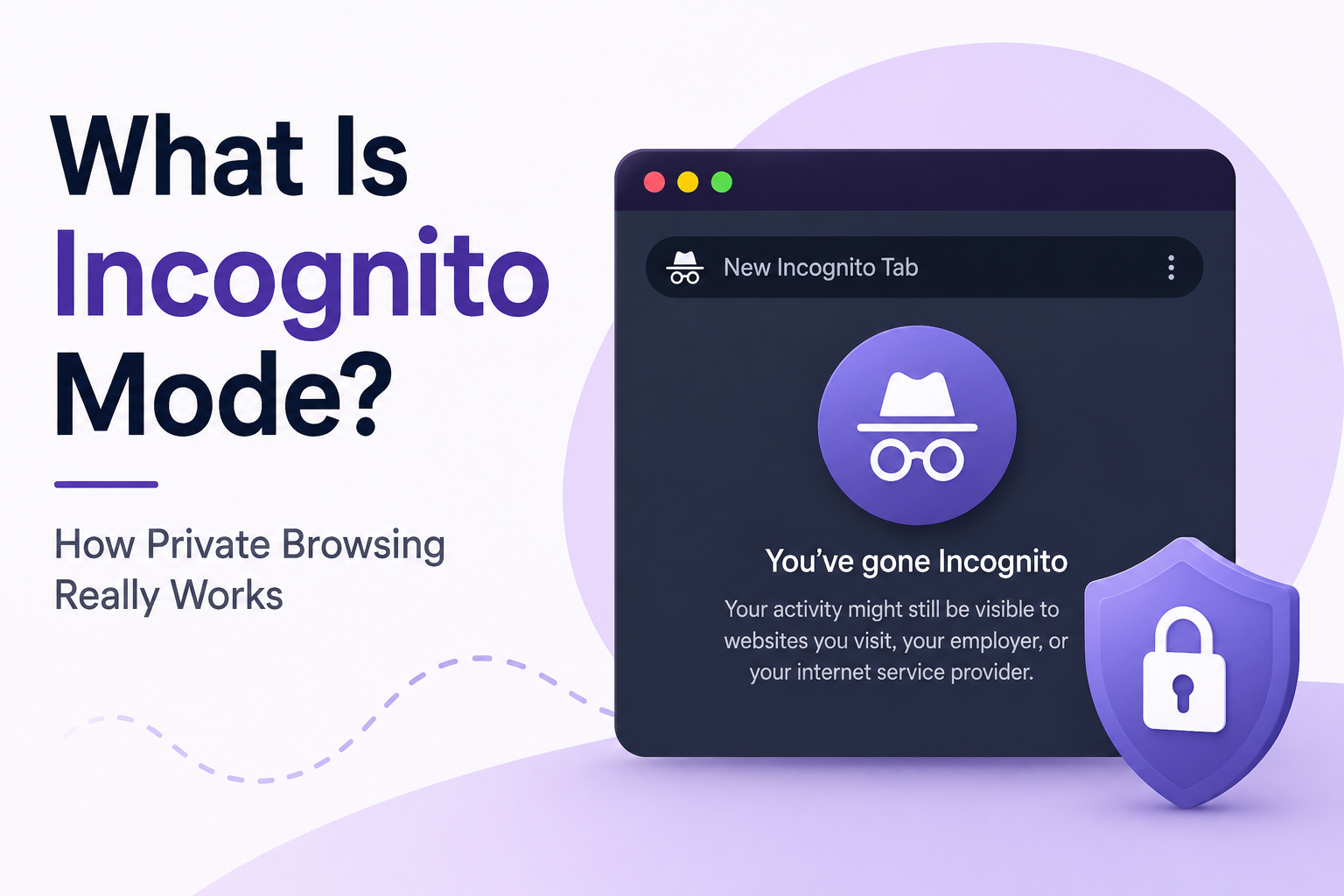
What Is Incognito Mode? How Private Browsing Really Works
Incognito mode is a private browsing feature available in browsers like Google Chrome, Firefox, Microsoft Edge, and Safari. It prevents your browser from saving browsing history, cookies, form data, and temporary files after your browsing session ends.
Many people believe incognito mode makes them completely anonymous online, but that is not true. While private browsing helps keep activity hidden from other users on the same device, your internet provider, employer, school, and websites you visit can still track certain information.
In this guide, we explain exactly how incognito mode works, what it hides, what it does not hide, and how it compares to tools like VPNs.
How Incognito Mode Works
When you open an incognito or private browsing window, your browser creates a temporary browsing session. During this session:
- Browsing history is not saved
- Cookies are deleted when the session closes
- Site data is removed after exiting
- Form entries are not stored
- Search history is not saved locally
This means that once you close all incognito tabs, another person using the same computer typically cannot see the websites you visited during that session.
However, files you download and bookmarks you create are usually still saved to your device.
What Incognito Mode Hides
Incognito mode is useful for improving local privacy on a shared device.
Incognito Mode Can:
- Prevent local browsing history from being saved
- Delete cookies after the session ends
- Stop automatic form autofill saving
- Allow temporary sign-ins to multiple accounts
- Reduce personalized advertising during the session
People commonly use incognito mode for:
- Using public or shared computers
- Logging into multiple accounts at once
- Shopping without persistent tracking cookies
- Preventing browser history from being stored locally
What Incognito Mode Does NOT Hide
One of the biggest misconceptions is that incognito mode makes you anonymous online. It does not.
Incognito Mode Does NOT:
- Hide your IP address
- Encrypt your internet traffic
- Prevent websites from tracking you completely
- Stop internet providers from monitoring activity
- Hide browsing activity from employers or schools
- Protect against malware or phishing attacks
Even in private browsing mode, websites can still identify you using:
- Your IP address
- Browser fingerprinting
- Account logins
- Network activity
If you log into services like Google, Facebook, or YouTube while using incognito mode, those platforms can still track your activity within their services.
Who Can Still See Your Browsing Activity?
Even while using incognito mode, several parties may still see parts of your online activity.
Websites
The websites you visit can still collect information such as:
- IP address
- Device type
- Browser information
- Location data
- Account activity
Internet Service Providers (ISPs)
Your internet provider can still see the domains and services you access because incognito mode does not encrypt your internet connection.
Employers and Schools
If you are connected to a company or school network, administrators may still monitor internet traffic and browsing activity.
Search Engines
Search engines can still track searches if you are logged into an account or if tracking technologies are enabled.
Incognito Mode vs Private Browsing
Different browsers use different names for the same concept.
| Browser | Private Mode Name |
|---|---|
| Google Chrome | Incognito Mode |
| Mozilla Firefox | Private Browsing |
| Microsoft Edge | InPrivate Browsing |
| Safari | Private Browsing |
Although the names differ, they all provide similar functionality.
Incognito Mode vs VPN
Many people confuse incognito mode with a VPN, but they serve different purposes.
| Feature | Incognito Mode | VPN |
|---|---|---|
| Hides local browsing history | Yes | Yes |
| Deletes cookies after session | Yes | Usually |
| Hides IP address | No | Yes |
| Encrypts internet traffic | No | Yes |
| Prevents ISP tracking | No | Mostly |
| Improves anonymity online | Limited | Much stronger |
A VPN encrypts your internet connection and routes traffic through secure servers, making it much harder for networks and websites to monitor activity.
Incognito mode only prevents data from being stored locally on your device.
How to Open Incognito Mode in Chrome
Desktop
- Open Google Chrome
- Click the three-dot menu in the top-right corner
- Select New Incognito Window
Keyboard Shortcut
Windows / Linux
Ctrl + Shift + N
Mac
Command + Shift + N
Mobile
- Open the Chrome app
- Tap the three-dot menu
- Select New Incognito Tab
How to Open Private Browsing in Firefox
Desktop
- Open Firefox
- Click the menu button
- Select New Private Window
Keyboard Shortcut
Windows / Linux
Ctrl + Shift + P
Mac
Command + Shift + P
How to Use Private Browsing in Safari
Mac
- Open Safari
- Click File
- Select New Private Window
Keyboard Shortcut
Command + Shift + N
iPhone and iPad
- Open Safari
- Tap the Tabs button
- Select Private
- Tap Done
Common Myths About Incognito Mode
Myth: Incognito Makes You Anonymous
False. Websites and networks can still track your activity.
Myth: Incognito Hides Your IP Address
False. Your IP address remains visible unless you use a VPN or proxy service.
Myth: Incognito Protects Against Viruses
False. Incognito mode does not provide security protection against malware or phishing attacks.
Myth: Incognito Prevents All Tracking
False. Advanced tracking techniques such as browser fingerprinting can still identify users.
Benefits of Incognito Mode
Despite its limitations, incognito mode is still useful in many situations.
Advantages
- Better privacy on shared devices
- Temporary browsing sessions
- Easier testing for websites and developers
- Reduced persistent tracking cookies
- Convenient multi-account logins
Limitations of Incognito Mode
Incognito mode should not be treated as a complete privacy solution.
Limitations
- Does not encrypt traffic
- Does not stop ISP monitoring
- Does not hide identity online
- Does not protect against cyber threats
- Does not fully prevent tracking
For stronger privacy, users often combine private browsing with:
- VPN services
- Privacy-focused browsers
- Tracker blockers
- Secure DNS services
Frequently Asked Questions
Does incognito mode hide my IP address?
No. Incognito mode does not hide your IP address from websites, internet providers, or network administrators.
Can my employer see incognito browsing?
Yes. Employers and schools can often monitor internet traffic on their networks.
Does incognito mode save cookies?
Cookies are temporarily stored during the session but are deleted when all incognito windows are closed.
Is incognito mode safe?
Incognito mode improves local privacy but does not provide full online security or anonymity.
Can WiFi owners see incognito history?
Yes. The owner of the network may still see websites accessed through routers or network logs.
Does incognito mode stop Google tracking?
Not entirely. If you are logged into a Google account, activity may still be associated with your account.
Final Thoughts
Incognito mode is useful for preventing your browser from storing local browsing history, cookies, and temporary session data. However, it does not make you invisible online.
If your goal is stronger privacy or anonymity, consider using additional privacy tools such as VPNs, encrypted browsers, and tracker blockers alongside private browsing mode.
Understanding the limitations of incognito mode helps you make better decisions about your online privacy and security.
Keep reading
Related posts

How to Delete a Reddit Account (Complete Step-by-Step Guide)
Learn how to permanently delete your Reddit account on desktop and mobile, remove Reddit posts and comments, and protect your privacy before deactivating your account.

How to Delete Cookies on Any Browser (Chrome, Safari, Firefox & Edge)
Learn how to delete cookies on Chrome, Safari, Firefox, Edge, Android, and iPhone. Step-by-step guide to clearing browser cookies, improving privacy, and fixing website problems.

How to Delete Apps on iPhone (Complete Guide for iOS)
Learn how to delete apps on iPhone, remove hidden apps, uninstall apps permanently, free up storage space, and manage app data on iOS devices.