
Is Incognito Mode Safe? The Truth About Private Browsing in 2026
Is Incognito Mode really safe? Learn what private browsing actually hides, what it cannot protect, and how to browse more privately online.
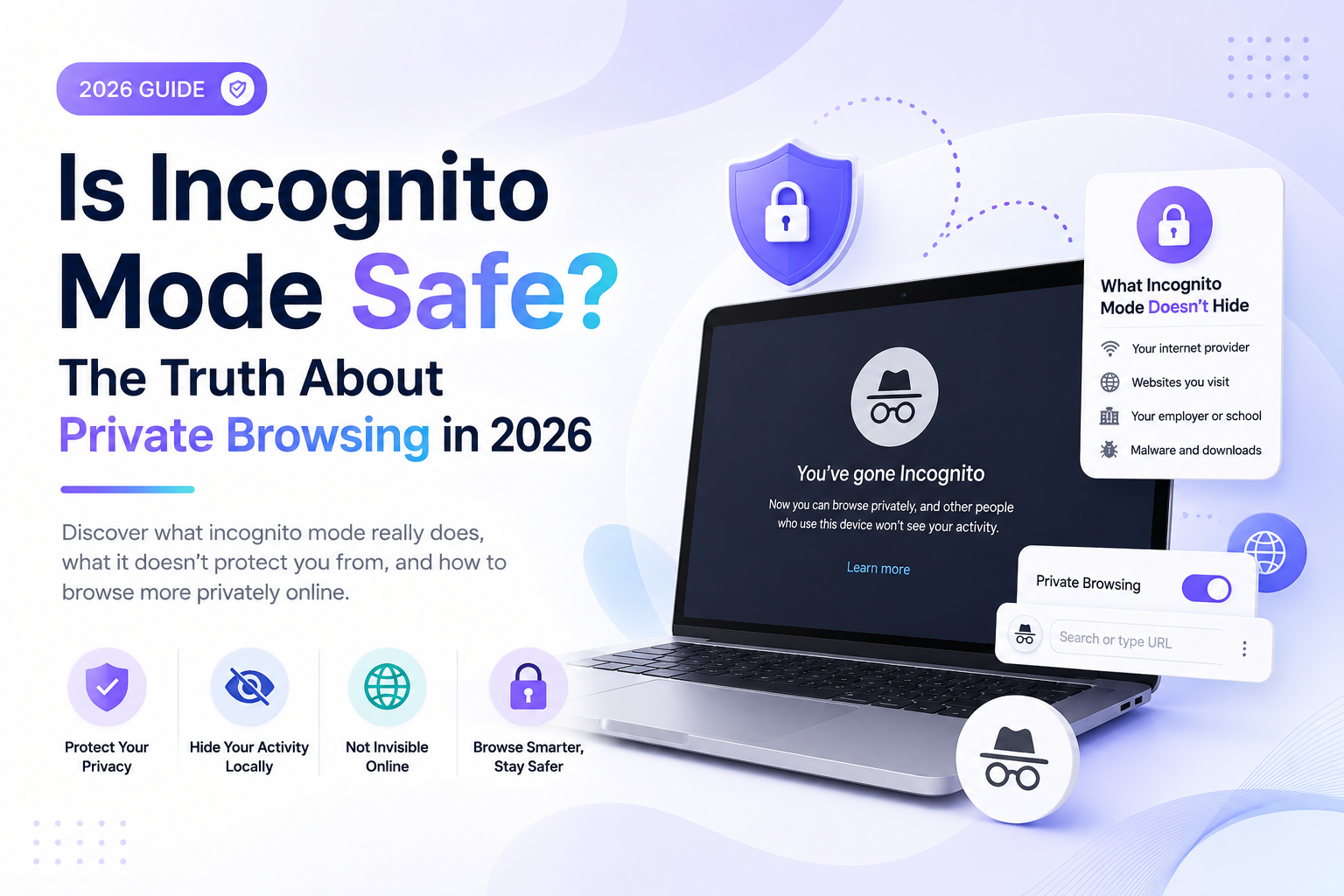
Is Incognito Mode Safe? The Truth About Private Browsing in 2026
Many people believe Incognito Mode makes them completely anonymous online.
In reality, private browsing only hides certain types of activity — and it does not make you invisible on the internet.
In this guide, you’ll learn:
- Whether Incognito Mode is actually safe
- What private browsing really hides
- What websites, ISPs, schools, and employers can still see
- The difference between Incognito Mode and VPNs
- How to improve your online privacy in 2026
Quick Answer
Incognito Mode is useful for local privacy, but it is not a complete online privacy solution.
Private browsing can prevent:
- Local browsing history storage
- Cookies being saved after sessions
- Autofill data retention
- Searches from appearing in your browser history
However, Incognito Mode does not hide your activity from:
- Internet providers (ISPs)
- Employers
- Schools
- Websites
- Search engines
- Government networks
It also does not fully stop tracking technologies.
What Is Incognito Mode?
Incognito Mode is a private browsing feature available in browsers like:
- Google Chrome
- Safari
- Firefox
- Microsoft Edge
When you open an Incognito window, the browser creates a temporary browsing session.
Once the session closes, the browser usually deletes:
- Browsing history
- Cookies
- Site data
- Form entries
- Temporary session information
This mainly protects privacy on the device itself.
What Does Incognito Mode Actually Hide?
Incognito Mode helps prevent other people using your device from seeing:
- Websites you visited
- Search history
- Login sessions
- Temporary cookies
- Form information
For example, if you share a laptop or phone with family members, Incognito Mode can stop your browsing history from appearing later in the browser.
What Incognito Mode Does NOT Hide
This is where many people misunderstand private browsing.
Incognito Mode does not hide your activity from:
Internet Service Providers (ISPs)
Your ISP can still often see websites you visit.
Websites
Sites can still track your IP address, browser, and device information.
Google and Search Engines
If you are signed into accounts, your activity may still be linked to your profile.
Employers and Schools
Network administrators can often monitor activity on managed networks.
Advertisers
Some tracking technologies can still identify browsing behavior.
Is Incognito Mode Safe From Hackers?
Not completely.
Incognito Mode does not:
- Encrypt internet traffic
- Protect against malware
- Stop phishing attacks
- Hide your IP address
- Prevent hacking attempts
If you use unsafe websites or public Wi‑Fi networks, Incognito Mode alone does not provide strong protection.
Is Incognito Mode Safe on Public Wi‑Fi?
Only partially.
Private browsing does not encrypt your connection.
On public Wi‑Fi networks, attackers may still attempt to intercept:
- Unencrypted traffic
- Login credentials
- Device information
For better protection on public Wi‑Fi, use:
- HTTPS websites
- A trusted VPN
- Strong passwords
- Two-factor authentication
Incognito Mode vs VPN
Many users confuse VPNs with private browsing.
They are different tools.
| Feature | Incognito Mode | VPN |
|---|---|---|
| Hides local browsing history | Yes | No |
| Encrypts internet traffic | No | Yes |
| Hides activity from ISP | No | Yes |
| Changes IP address | No | Yes |
| Blocks local cookies after session | Yes | No |
| Improves privacy | Partially | Yes |
Using both together provides stronger privacy than either one alone.
Can Google Track You in Incognito Mode?
Yes.
If you use Google services while signed in, Google may still track:
- Searches
- YouTube activity
- Maps usage
- Location data
- Device information
Incognito Mode only limits local browser storage.
It does not stop account-level tracking.
Can Schools or Employers See Incognito History?
Often yes.
If you use:
- School Wi‑Fi
- Company networks
- Managed devices
Administrators may still monitor internet activity.
Incognito Mode does not bypass network monitoring systems.
Does Incognito Mode Stop Cookies?
Only temporarily.
Cookies created during the session are usually deleted after closing the Incognito window.
However, websites can still use cookies while the session is active.
Is Incognito Mode Good for Privacy?
It helps with basic local privacy, but it is not a complete privacy tool.
Incognito Mode is useful for:
- Shared devices
- Temporary logins
- Preventing local history storage
- Using multiple accounts
- Avoiding saved cookies
But it should not be relied on for complete anonymity.
Better Ways to Protect Your Privacy Online
If you want stronger online privacy, combine multiple tools and habits.
Use a VPN
VPNs encrypt your internet traffic and hide your IP address.
Use Privacy-Focused Browsers
Browsers like Firefox Brave offer stronger privacy features.
Clear Search History Regularly
Delete saved browsing and search history frequently.
Limit Tracking Permissions
Review browser and app permissions.
Disable Personalized Ads
Reduce advertising tracking where possible.
Use Strong Passwords
Protect accounts with unique passwords and two-factor authentication.
Frequently Asked Questions
Is Incognito Mode Completely Safe?
No. It improves local privacy but does not provide full online anonymity.
Can Police See Incognito History?
Internet activity may still be available through network logs, account data, or ISP records.
Does Incognito Hide Your IP Address?
No. Websites and networks can still often see your IP address.
Does Incognito Stop Viruses?
No. Incognito Mode does not block malware or unsafe downloads.
Is Incognito Better Than Normal Browsing?
For local privacy, yes. But it is not a replacement for stronger privacy tools.
Final Thoughts
Incognito Mode is useful for hiding browsing activity on your device, but it does not make you anonymous online.
Your internet provider, websites, search engines, schools, and employers may still see parts of your activity.
For stronger privacy in 2026, combine:
- Incognito Mode
- VPNs
- Secure websites
- Privacy-focused browsers
- Regular history deletion
- Strong security habits
Understanding the limits of private browsing helps you stay safer and make smarter privacy decisions online.
Keep reading
Related posts

How to Delete a Reddit Account (Complete Step-by-Step Guide)
Learn how to permanently delete your Reddit account on desktop and mobile, remove Reddit posts and comments, and protect your privacy before deactivating your account.

How to Delete Cookies on Any Browser (Chrome, Safari, Firefox & Edge)
Learn how to delete cookies on Chrome, Safari, Firefox, Edge, Android, and iPhone. Step-by-step guide to clearing browser cookies, improving privacy, and fixing website problems.

How to Delete Apps on iPhone (Complete Guide for iOS)
Learn how to delete apps on iPhone, remove hidden apps, uninstall apps permanently, free up storage space, and manage app data on iOS devices.