
Incognito vs VPN: What's the Difference and Which Is Better for Privacy?
Learn the differences between Incognito Mode and VPNs. Compare privacy, tracking protection, anonymity, security, and online browsing safety in this complete guide.
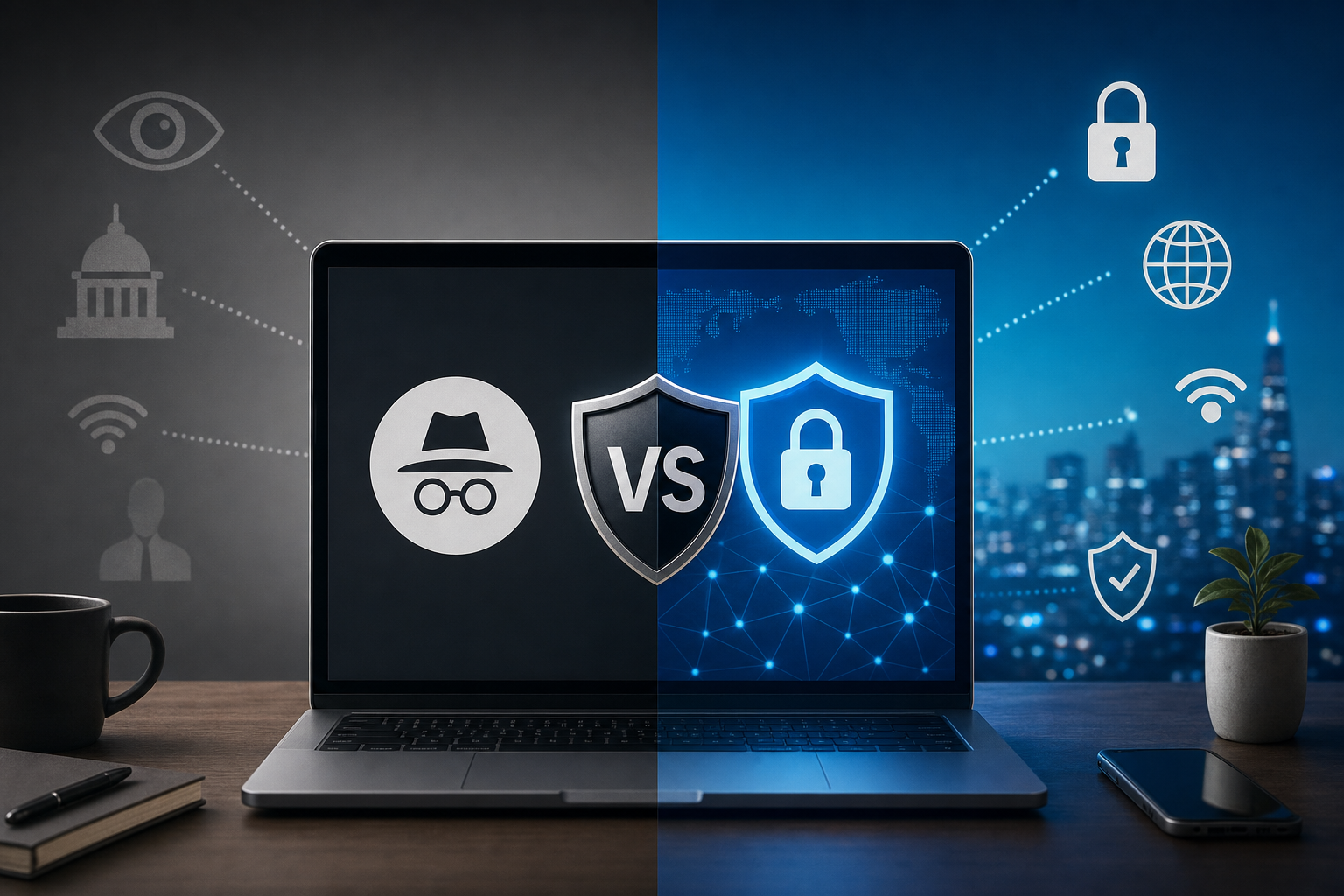
Incognito vs VPN: What's the Difference and Which Is Better for Privacy?
Many people assume Incognito Mode and VPNs provide the same type of privacy protection, but they work very differently.
Incognito Mode only hides browsing activity locally on your device, while a VPN encrypts your internet connection and hides your IP address from websites, internet providers, and public networks.
In this guide, you'll learn:
- What Incognito Mode actually does
- What a VPN does
- Key differences between Incognito and VPNs
- Which option offers better privacy
- When to use both together
- Common privacy myths explained
If you're trying to improve online privacy, understanding the difference between Incognito Mode and VPNs is essential.
Quick Comparison: Incognito vs VPN
| Feature | Incognito Mode | VPN |
|---|---|---|
| Hides browsing history on device | Yes | No |
| Hides IP address | No | Yes |
| Encrypts internet traffic | No | Yes |
| Stops ISP tracking | No | Yes |
| Stops websites from tracking you | Limited | Partial |
| Prevents browser fingerprinting | No | No |
| Protects public Wi‑Fi | No | Yes |
| Works across apps | No | Yes |
| Improves anonymity | Limited | Moderate |
What Is Incognito Mode?
Incognito Mode is a private browsing feature available in browsers like:
- Google Chrome
- Safari
- Firefox
- Microsoft Edge
- Brave
When you open an Incognito window, your browser does not save:
- Browsing history
- Cookies after the session ends
- Site data
- Form entries
This helps prevent local tracking on your device.
What Incognito Mode Does NOT Hide
Many users misunderstand what Incognito Mode actually protects.
Incognito Mode does NOT hide activity from:
- Websites you visit
- Internet providers (ISPs)
- Employers or schools
- Search engines
- Government monitoring
- Public Wi‑Fi networks
Your IP address remains visible while using Incognito Mode.
What Is a VPN?
A VPN (Virtual Private Network) encrypts your internet traffic and routes it through a secure server.
This helps hide:
- Your IP address
- Your location
- Browsing activity from your ISP
- Traffic on public Wi‑Fi networks
VPNs improve privacy and security across your entire internet connection.
How VPNs Work
When you connect to a VPN:
- Your traffic is encrypted
- Data travels through a VPN server
- Websites see the VPN IP address instead of yours
- Your ISP cannot easily monitor browsing activity
This creates a more private browsing experience.
What a VPN Does NOT Do
VPNs improve privacy, but they are not perfect anonymity tools.
VPNs do NOT:
- Make you completely anonymous
- Stop all tracking cookies
- Prevent browser fingerprinting
- Automatically block ads
- Protect against phishing scams
Privacy still depends on your browsing behavior.
Incognito vs VPN: Main Differences
1. Local Privacy vs Network Privacy
Incognito Mode protects local privacy on your device.
VPNs protect network traffic across the internet.
2. IP Address Protection
Incognito Mode does not hide your IP address.
VPNs replace your IP with a VPN server address.
3. Encryption
Incognito Mode does not encrypt traffic.
VPNs encrypt internet traffic to improve security.
4. Public Wi‑Fi Protection
Incognito Mode does not protect you on public Wi‑Fi.
VPNs help secure data on:
- Airports
- Cafes
- Hotels
- Public hotspots
5. Tracking Protection
Incognito Mode offers minimal tracking protection.
VPNs help reduce tracking but should ideally be combined with:
- Private browsers
- Ad blockers
- Anti-tracking extensions
Is Incognito Mode Enough for Privacy?
Usually not.
Incognito Mode is useful for:
- Temporary browsing sessions
- Logging into multiple accounts
- Preventing local history storage
- Using shared computers
But it does not provide strong online privacy.
Is a VPN Better Than Incognito Mode?
For privacy and security, yes.
A VPN provides significantly stronger protection because it:
- Encrypts traffic
- Hides IP addresses
- Protects public Wi‑Fi usage
- Reduces ISP tracking
However, VPNs still work best when combined with secure browsing habits.
Should You Use Incognito Mode and a VPN Together?
Yes.
Using both together gives better privacy than either tool alone.
Best Privacy Setup
Combine:
- Incognito Mode
- A trusted VPN
- Privacy-focused browsers
- Ad blockers
- Secure passwords
- Two-factor authentication
This reduces tracking and improves overall browsing security.
Best Browsers to Use With a VPN
Popular privacy-focused browsers include:
- Brave
- Firefox
- Tor Browser
- DuckDuckGo Browser
- Safari
Combining these browsers with a VPN improves privacy further.
Does Incognito Mode Hide Activity From Google?
No.
If you're logged into your Google account, Google can still track:
- Searches
- YouTube activity
- Website visits
- Ad interactions
Incognito Mode mainly affects local browser storage.
Can a VPN Hide Google Searches?
A VPN hides your IP address, but Google can still associate searches with:
- Logged-in accounts
- Cookies
- Browser fingerprints
For better privacy:
- Use private search engines
- Clear cookies regularly
- Avoid staying logged in constantly
Incognito vs VPN for Streaming
Incognito Mode
- Does not change location
- Cannot bypass geo-restrictions
- Does not hide IP address
VPN
- Can change virtual location
- May help access region-restricted content
- Hides your IP address
VPNs are far more useful for streaming privacy.
Incognito vs VPN for Torrenting
Incognito Mode is NOT safe for torrenting privacy.
A VPN is much safer because it:
- Encrypts traffic
- Hides your IP address
- Reduces ISP visibility
Always choose a reputable VPN provider with a no-logs policy.
Common Privacy Myths
Myth: Incognito Makes You Anonymous
False.
Incognito only prevents local history storage.
Myth: VPNs Stop All Tracking
False.
VPNs improve privacy but cannot block every tracking technique.
Myth: Private Browsers Replace VPNs
False.
Browsers and VPNs solve different privacy problems.
Frequently Asked Questions
Is Incognito Mode the same as a VPN?
No. Incognito Mode hides local browser history while VPNs encrypt internet traffic and hide IP addresses.
Can ISPs see Incognito browsing?
Yes. ISPs can still monitor traffic in Incognito Mode.
Does a VPN make browsing anonymous?
Not completely, but it improves privacy significantly.
Should I use a VPN all the time?
Many privacy experts recommend using a VPN regularly, especially on public Wi‑Fi.
Which is better for privacy: VPN or Incognito?
VPNs provide much stronger privacy protection.
Final Verdict: Incognito vs VPN
Incognito Mode and VPNs are not competitors — they serve different purposes.
- Incognito Mode protects local privacy on your device
- VPNs protect your internet traffic and IP address
If privacy matters to you, using both together provides better protection than relying on either one alone.
For the strongest online privacy setup, combine:
- A trusted VPN
- A private browser
- Incognito Mode
- Strong passwords
- Multi-factor authentication
Improving privacy online is about layering multiple protections together.
Keep reading
Related posts

How to Delete a Reddit Account (Complete Step-by-Step Guide)
Learn how to permanently delete your Reddit account on desktop and mobile, remove Reddit posts and comments, and protect your privacy before deactivating your account.

How to Delete Cookies on Any Browser (Chrome, Safari, Firefox & Edge)
Learn how to delete cookies on Chrome, Safari, Firefox, Edge, Android, and iPhone. Step-by-step guide to clearing browser cookies, improving privacy, and fixing website problems.

How to Delete Apps on iPhone (Complete Guide for iOS)
Learn how to delete apps on iPhone, remove hidden apps, uninstall apps permanently, free up storage space, and manage app data on iOS devices.