
Does a VPN Hide Search History? What It Actually Protects in 2026
Does a VPN hide your search history? Learn what VPNs actually do, what they protect, and how to improve your online privacy in 2026.
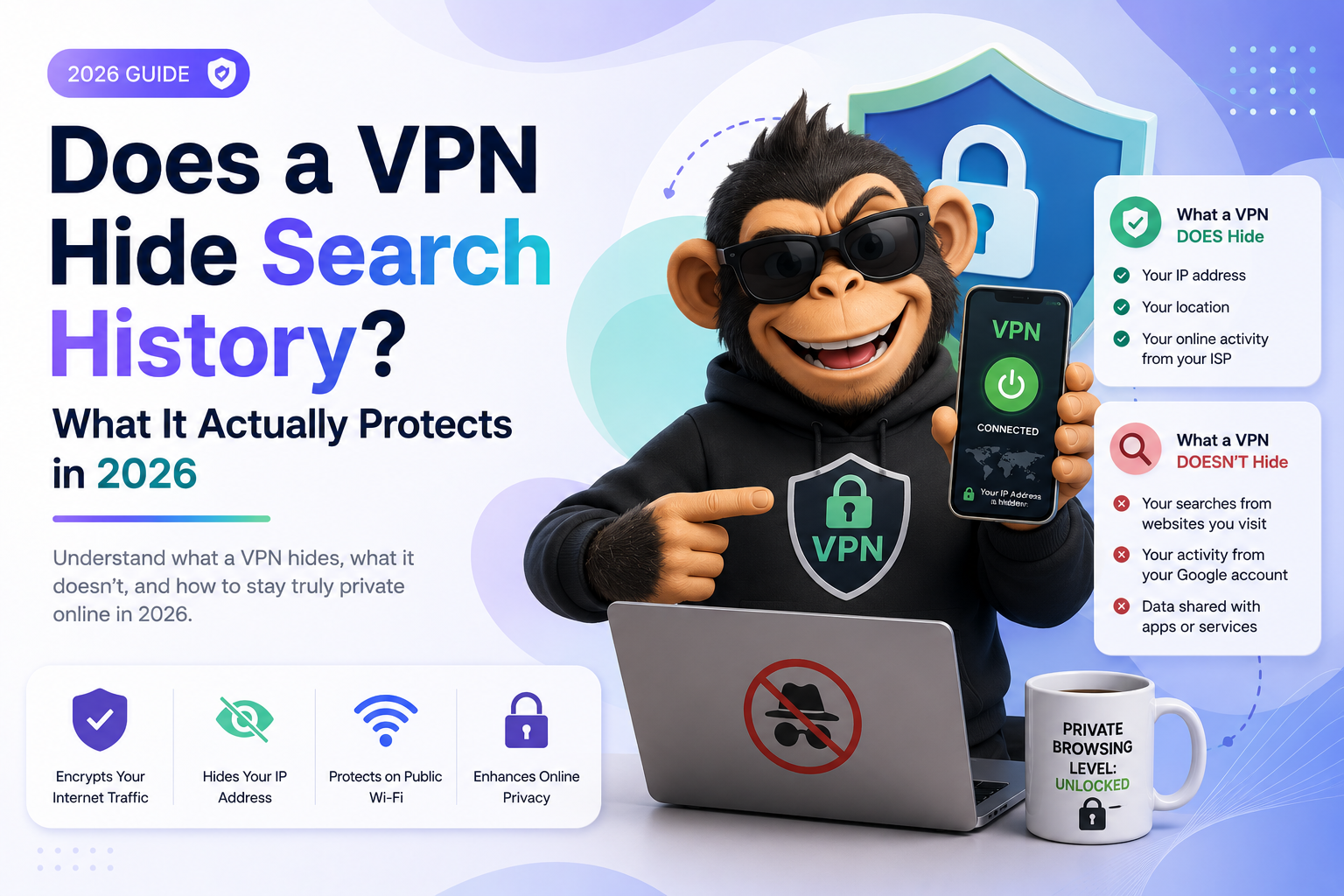
Does a VPN Hide Search History? What It Actually Protects in 2026
Many people believe a VPN completely hides their browsing activity and search history from everyone online.
While VPNs improve privacy and security, they do not make you completely invisible on the internet.
In this guide, you’ll learn:
- Whether a VPN hides your search history
- What VPNs actually protect
- What your ISP, Google, and websites can still see
- The difference between VPNs and Incognito Mode
- How to maximize online privacy in 2026
Quick Answer
A VPN hides your internet traffic from your internet service provider (ISP) and encrypts your connection.
However, a VPN does not completely hide your search history from:
- Search engines
- Websites you log into
- Your browser
- Your device
If you are signed into accounts like Google, Facebook, TikTok, or YouTube, those services can still track your activity.
What Does a VPN Actually Do?
A VPN (Virtual Private Network) encrypts your internet connection and routes your traffic through a secure server.
This helps:
- Hide your IP address
- Protect data on public Wi‑Fi
- Prevent ISP tracking
- Reduce location tracking
- Improve online privacy
Without a VPN, your internet provider can often see:
- Websites you visit
- Search activity
- Approximate browsing behavior
With a VPN enabled, your ISP mainly sees encrypted traffic going to the VPN server instead.
Can Google Still See Your Search History With a VPN?
Yes.
If you use Google Search while signed into your Google account, Google can still track:
- Your searches
- Watch history
- Location activity
- Device information
- Browser activity
A VPN changes your IP address, but it does not stop account-based tracking.
To reduce Google tracking further, you can:
- Sign out of Google
- Use private browsing
- Disable Web & App Activity
- Use privacy-focused search engines
- Clear search history regularly
Can Your ISP See Your Search History With a VPN?
Usually not.
A VPN encrypts your internet traffic, making it difficult for your ISP to see:
- Search queries
- Websites visited
- Browsing behavior
However, your ISP may still see:
- That you are using a VPN
- The amount of data used
- Connection times
Does Incognito Mode Hide Search History?
Not completely.
Incognito Mode mainly prevents your browser from saving:
- Browsing history
- Cookies
- Form data
- Local search history
But it does not hide activity from:
- ISPs
- Employers
- Schools
- Websites
- Search engines
VPNs and Incognito Mode serve different purposes.
VPN vs Incognito Mode
| Feature | VPN | Incognito Mode |
|---|---|---|
| Hides activity from ISP | Yes | No |
| Hides local browser history | No | Yes |
| Changes IP address | Yes | No |
| Encrypts internet traffic | Yes | No |
| Stops Google tracking | No | No |
| Improves privacy | Yes | Partially |
Using both together provides better privacy than using either one alone.
Can a VPN Hide Browsing History From Wi‑Fi Owners?
Usually yes.
If you use a VPN on public or shared Wi‑Fi networks, the network owner generally cannot easily see:
- Websites visited
- Search terms
- Browsing activity
This is one reason VPNs are commonly recommended for airports, hotels, cafes, and public hotspots.
Does a VPN Make You Anonymous?
No.
VPNs improve privacy, but true anonymity online is difficult.
Websites can still identify users through:
- Browser fingerprinting
- Cookies
- Logged-in accounts
- Device identifiers
- Tracking scripts
A VPN is one privacy tool — not a complete anonymity solution.
How to Make Your Searches More Private
If you want stronger privacy online, combine several tools and habits.
Use a VPN
Choose a trusted VPN provider with a no-logs policy.
Use Private Browsing
Incognito or private browsing prevents local history storage.
Clear Search History Regularly
Delete browser and account search history often.
Use Privacy-Focused Search Engines
Consider alternatives like DuckDuckGo or Startpage.
Limit App Permissions
Reduce location tracking and unnecessary app access.
Disable Personalized Ads
Turn off ad personalization where possible.
Can Employers or Schools Track You With a VPN?
Sometimes.
If you use:
- Company devices
- School-managed devices
- Monitoring software
Administrators may still track some activity even with a VPN enabled.
VPNs do not bypass workplace monitoring tools installed directly on devices.
Are Free VPNs Safe?
Not always.
Some free VPNs may:
- Log browsing activity
- Sell user data
- Display ads
- Provide weak encryption
- Slow internet speeds
If privacy is important, choose a reputable VPN provider.
Frequently Asked Questions
Does a VPN Hide Search History From Google?
No. Google can still track searches if you use its services while signed in.
Does a VPN Hide Browsing History From Wi‑Fi?
Usually yes. VPN encryption helps prevent local network monitoring.
Can Police See Search History Through a VPN?
VPNs improve privacy, but legal requests and account activity may still expose information.
Does a VPN Stop Cookies?
No. Websites can still use cookies unless you block or clear them.
Is a VPN Better Than Incognito Mode?
They serve different purposes. Using both together provides better privacy.
Final Thoughts
A VPN can help hide your browsing activity from your ISP and protect your connection on public networks, but it does not make you invisible online.
Search engines, websites, apps, and logged-in accounts can still collect activity data.
For better online privacy in 2026, combine:
- A trusted VPN
- Private browsing
- Regular history deletion
- Strong privacy settings
- Privacy-focused tools
Understanding what a VPN can — and cannot — do helps you make smarter privacy decisions online.
Keep reading
Related posts

How to Delete a Reddit Account (Complete Step-by-Step Guide)
Learn how to permanently delete your Reddit account on desktop and mobile, remove Reddit posts and comments, and protect your privacy before deactivating your account.

How to Delete Cookies on Any Browser (Chrome, Safari, Firefox & Edge)
Learn how to delete cookies on Chrome, Safari, Firefox, Edge, Android, and iPhone. Step-by-step guide to clearing browser cookies, improving privacy, and fixing website problems.

How to Delete Apps on iPhone (Complete Guide for iOS)
Learn how to delete apps on iPhone, remove hidden apps, uninstall apps permanently, free up storage space, and manage app data on iOS devices.