
Do I Really Need a VPN?
Wondering if you really need a VPN? Learn what a VPN does, when it's useful, its pros and cons, and whether a VPN is worth it for privacy, streaming, travel, and public Wi‑Fi.
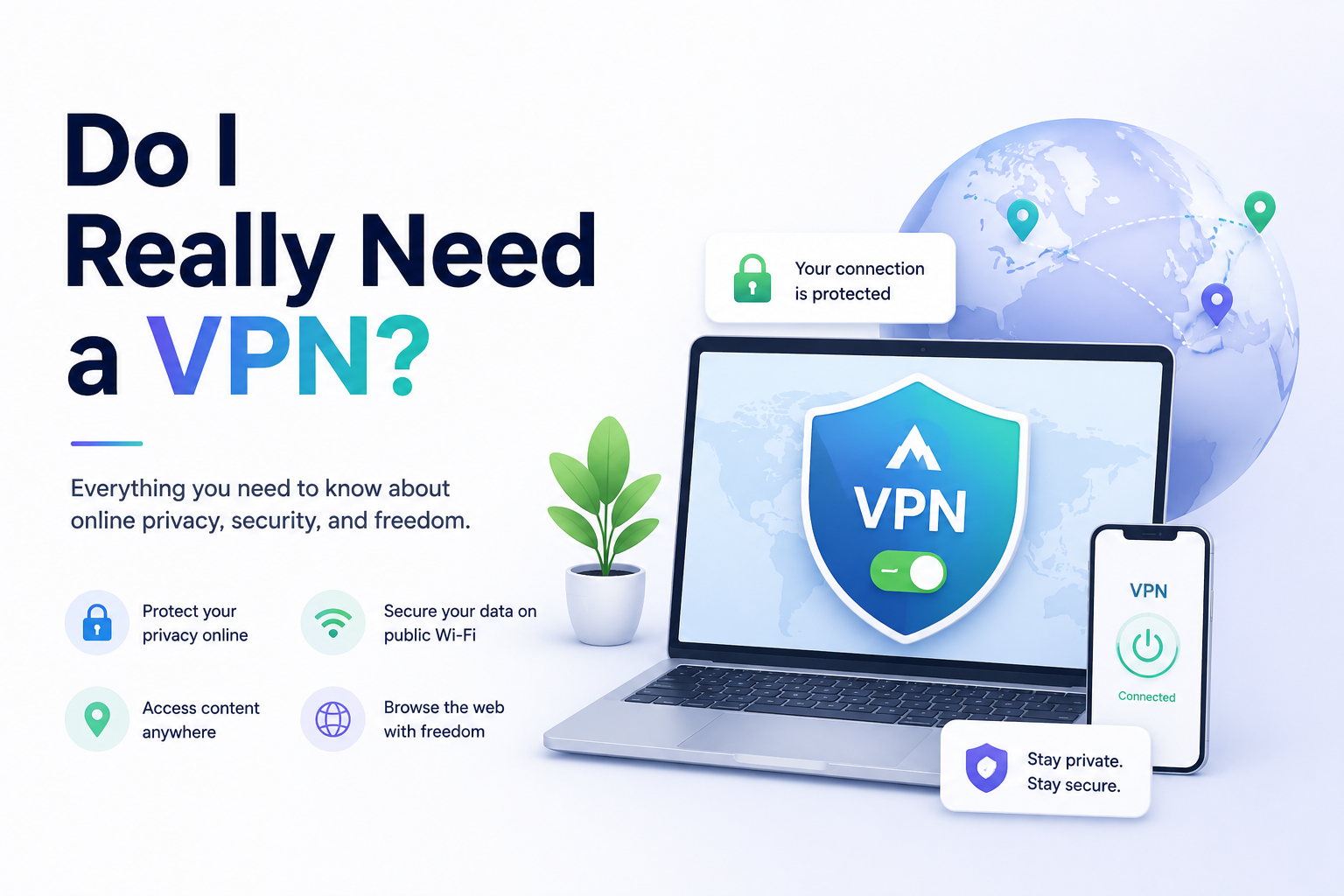
Do I Really Need a VPN?
VPNs are advertised everywhere online. You’ve probably seen claims that a VPN can make you completely anonymous, stop hackers instantly, and protect all your online activity.
But do you actually need one?
The answer depends on how you use the internet, how much privacy you want, and what kind of risks you face online.
In this guide, we’ll explain what a VPN does, when it’s useful, when it’s unnecessary, and whether paying for one is actually worth it.
What Is a VPN?
A VPN, or Virtual Private Network, creates an encrypted connection between your device and the internet.
Instead of connecting directly to websites and services, your internet traffic first passes through a VPN server.
This helps:
- Hide your IP address
- Encrypt your internet traffic
- Protect data on public Wi‑Fi
- Reduce some forms of online tracking
- Access content from different regions
VPNs are commonly used on:
- Laptops
- Smartphones
- Tablets
- Smart TVs
- Browsers
What a VPN Actually Protects
A VPN improves privacy, but it’s important to understand its limits.
A VPN Can Help Protect You From:
- Snooping on public Wi‑Fi
- Internet provider tracking
- Some targeted advertising
- Location-based restrictions
- Basic network surveillance
A VPN Does NOT Fully Protect You From:
- Malware or viruses
- Phishing scams
- Unsafe downloads
- Fake websites
- Account hacking due to weak passwords
- Tracking through social media accounts
A VPN is a privacy tool, not a complete cybersecurity solution.
When You Probably Need a VPN
1. You Frequently Use Public Wi‑Fi
Public Wi‑Fi in airports, coffee shops, hotels, and restaurants can expose your data to attackers.
A VPN encrypts your traffic, making it much harder for others on the same network to intercept sensitive information.
This is one of the most practical reasons to use a VPN.
2. You Travel Often
Some countries restrict websites, streaming services, or apps.
A VPN can help:
- Access familiar services while traveling
- Improve privacy abroad
- Protect data on hotel or airport networks
Travelers often use VPNs for both security and convenience.
3. You Work Remotely
Many companies require employees to use VPNs when accessing internal systems remotely.
Business VPNs help:
- Protect sensitive company data
- Secure remote access
- Prevent unauthorized network access
4. You Care About Privacy
If you want to reduce how much data internet providers, advertisers, and websites collect about you, a VPN can help add an extra layer of privacy.
While it doesn’t make you invisible online, it can reduce tracking significantly.
5. You Want to Access Region-Locked Content
VPNs are commonly used to:
- Access streaming libraries from other countries
- Bypass regional restrictions
- Access websites blocked in certain locations
However, some streaming services actively block VPN traffic.
When You May NOT Need a VPN
1. You Mostly Browse at Home
If you mainly use trusted home Wi‑Fi and already use secure websites (HTTPS), a VPN may provide limited additional protection for everyday browsing.
2. You Already Practice Good Security Habits
If you:
- Use strong passwords
- Enable two-factor authentication
- Keep devices updated
- Avoid suspicious websites
…you may already reduce many common online risks.
3. You Expect Total Anonymity
A VPN does not make you completely anonymous.
Websites can still identify you through:
- Browser fingerprinting
- Logged-in accounts
- Cookies
- Device tracking
Using a VPN alone is not enough for complete anonymity.
Free VPN vs Paid VPN
Free VPNs
Free VPNs can be useful occasionally, but many have limitations:
- Slower speeds
- Data limits
- Fewer server locations
- More ads
- Potential privacy concerns
Some free VPNs may even collect and sell user data.
Paid VPNs
Paid VPN services usually offer:
- Better speeds
- More servers
- Stronger privacy policies
- Better streaming support
- Improved reliability
If you plan to use a VPN regularly, a reputable paid service is often the better option.
Does a VPN Slow Down Your Internet?
Sometimes.
Because your traffic is routed through another server and encrypted, VPNs can slightly reduce internet speed.
However, high-quality VPN providers usually minimize the impact.
The speed difference is often small during regular browsing and streaming.
Are VPNs Legal?
VPNs are legal in most countries.
However, some countries restrict or regulate VPN usage.
It’s important to check local laws before using a VPN while traveling internationally.
What Should You Look for in a VPN?
If you decide to use a VPN, look for:
- No-logs policy
- Strong encryption
- Fast server speeds
- Multiple server locations
- Good reputation
- Kill switch feature
- Transparent privacy policy
Avoid VPNs with unclear ownership or poor privacy practices.
Alternatives to a VPN
Depending on your goals, you may not always need a VPN.
Other useful privacy tools include:
- Private browsing mode
- Secure browsers
- HTTPS-only browsing
- Password managers
- Two-factor authentication
- Ad blockers
- Privacy-focused search engines
Using multiple privacy tools together is often more effective than relying only on a VPN.
Final Verdict: Do You Really Need a VPN?
For many people, a VPN is useful but not absolutely essential.
You’ll likely benefit most from a VPN if you:
- Use public Wi‑Fi often
- Travel regularly
- Work remotely
- Care strongly about online privacy
- Want access to region-restricted content
If you mainly browse casually at home and already follow good security practices, you may not notice a huge difference.
A VPN is best viewed as one privacy tool among many — not a magic solution that guarantees total anonymity or security online.
Keep reading
Related posts

How to Clear Search Recommendations
Learn how to clear search recommendations in browsers, Google, YouTube, Instagram, Facebook, TikTok, and other apps by managing history, cookies, and account activity.
How to Hide Your Tracks Online: Safe Privacy Steps That Actually Help
Learn safe, practical ways to reduce your digital tracks online by clearing history, managing account activity, limiting tracking, and protecting your privacy responsibly.
Incognito vs Safe Browsing: What’s the Difference?
Learn the difference between Incognito Mode and Safe Browsing, what each feature protects, and why private browsing is not the same as security protection.