
Best Private Browsers in 2026 (Ranked for Privacy and Security)
Discover the best private browsers for privacy, security, and anti-tracking protection in 2026. Compare Brave, Firefox, Tor, DuckDuckGo Browser, Safari, and more.
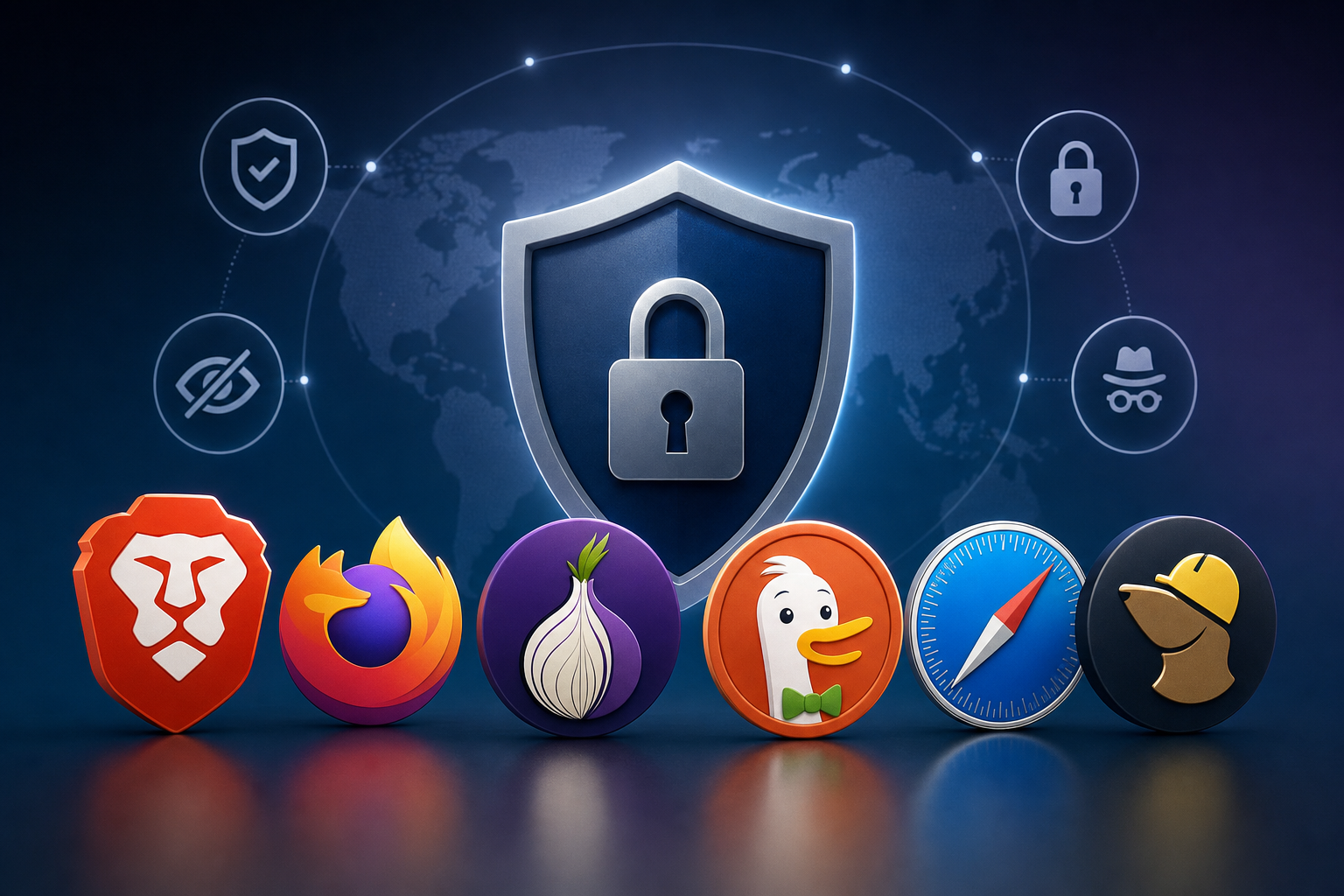
Best Private Browsers in 2026 (Ranked for Privacy and Security)
Online privacy is becoming more important every year. Most web browsers collect browsing data, track activity, store cookies, and share information with advertisers. If you want better privacy online, switching to a private browser is one of the smartest steps you can take.
In this guide, we compare the best private browsers in 2026 based on:
- Privacy protection
- Anti-tracking features
- Security tools
- Speed and performance
- Ease of use
- Cross-platform support
- Built-in VPN and ad blocking options
Whether you're trying to avoid tracking, block ads, improve security, or browse anonymously, these are the best privacy-focused browsers available today.
Quick List: Best Private Browsers
| Browser | Best For | Privacy Level |
|---|---|---|
| Brave | Overall privacy + usability | Excellent |
| Firefox | Customization + open source | Excellent |
| Tor Browser | Maximum anonymity | Extreme |
| DuckDuckGo Browser | Mobile privacy | Very Good |
| Safari | Apple ecosystem privacy | Good |
| LibreWolf | Hardened Firefox privacy | Excellent |
| Mullvad Browser | Anti-fingerprinting | Excellent |
| Opera | Built-in VPN features | Moderate |
1. Brave Browser
Why Brave Is One of the Best Private Browsers
Brave has become one of the most popular privacy browsers because it blocks:
- Ads
- Third-party trackers
- Browser fingerprinting
- Malicious scripts
right out of the box.
Unlike Chrome, Brave does not rely heavily on Google's tracking ecosystem.
Key Features
- Built-in ad blocker
- HTTPS upgrades
- Anti-fingerprinting protection
- Private browsing with Tor
- Fast Chromium-based performance
- Cross-platform support
Pros
- Very fast
- Strong default privacy settings
- Chrome extension support
- Beginner-friendly
Cons
- Some crypto features may feel unnecessary
- Certain websites occasionally break with aggressive blocking
Best For
Users who want strong privacy without sacrificing speed or usability.
2. Mozilla Firefox
Best Open-Source Private Browser
Firefox remains one of the best alternatives to Chrome because it is:
- Open source
- Highly customizable
- Privacy-focused
- Independent from Google Chromium
Firefox includes Enhanced Tracking Protection that blocks many trackers automatically.
Key Privacy Features
- Total Cookie Protection
- Tracker blocking
- DNS over HTTPS
- Extensive privacy extensions
- Container tabs
Recommended Privacy Settings
For maximum privacy:
- Enable Strict Tracking Protection
- Disable telemetry
- Install uBlock Origin
- Use Firefox Multi-Account Containers
Best For
Advanced users who want deep privacy customization.
3. Tor Browser
Best Browser for Anonymous Browsing
Tor Browser is designed for anonymity.
It routes traffic through the Tor network, making it extremely difficult to trace your identity or location.
What Tor Protects Against
- ISP tracking
- Government surveillance
- Browser fingerprinting
- IP address exposure
Important Limitations
Tor is slower than normal browsers because traffic passes through multiple encrypted relays.
Some websites may also block Tor traffic.
Best For
Users who need maximum anonymity and censorship resistance.
4. DuckDuckGo Browser
Best Private Browser for Mobile Devices
DuckDuckGo Browser focuses on simplicity and privacy.
Main Features
- Tracker blocking
- Cookie pop-up blocking
- Encrypted browsing
- One-tap data clearing
- Email protection
Why Users Like It
The interface is simple, lightweight, and beginner-friendly.
Best For
iPhone and Android users who want an easy privacy browser.
5. Safari
Best Private Browser for Apple Users
Safari has improved privacy significantly in recent years.
Apple includes:
- Intelligent Tracking Prevention
- Privacy Reports
- Fingerprinting protection
- Third-party cookie blocking
Safari Strengths
- Excellent battery efficiency
- Fast performance on Apple devices
- Strong integration with iPhone and Mac
Weaknesses
- Limited customization
- Less extension support than Firefox or Chrome
Best For
Users fully invested in the Apple ecosystem.
6. LibreWolf
Hardened Firefox Privacy Browser
LibreWolf is a privacy-focused fork of Firefox with many privacy settings enabled by default.
Features
- No telemetry
- Hardened security settings
- Tracker blocking
- Privacy-focused defaults
Best For
Power users who want a hardened Firefox experience without manual tweaking.
7. Mullvad Browser
Best Browser for Anti-Fingerprinting
Mullvad Browser was developed with the Tor Project to reduce browser fingerprinting.
Key Benefits
- Strong anti-fingerprinting
- Minimal telemetry
- Privacy-focused defaults
- Works well with VPNs
Best For
Users focused on minimizing browser uniqueness and tracking.
8. Opera
Browser With Built-In VPN Features
Opera includes a free built-in VPN and ad blocker.
Advantages
- Easy-to-use VPN
- Built-in messenger integrations
- Good performance
Privacy Concerns
Opera is not considered as privacy-focused as Brave, Firefox, or Tor.
Best For
Casual users wanting simple privacy features.
Which Browser Is Most Private?
The answer depends on your goals.
| Goal | Recommended Browser |
|---|---|
| Best overall privacy | Brave |
| Maximum anonymity | Tor Browser |
| Best open-source browser | Firefox |
| Best mobile privacy | DuckDuckGo Browser |
| Best anti-fingerprinting | Mullvad Browser |
| Best for Apple users | Safari |
What Makes a Browser Private?
A private browser should:
- Block trackers
- Prevent fingerprinting
- Limit telemetry
- Support encrypted connections
- Offer secure DNS
- Reduce data collection
- Protect against malicious scripts
No browser is perfectly private, but some are far better than others.
Are Private Browsers Better Than Incognito Mode?
Yes.
Incognito Mode only prevents:
- Local browsing history
- Cookies after sessions end
It does NOT stop:
- Websites from tracking you
- Google tracking
- ISP monitoring
- Fingerprinting
- Ad tracking
Private browsers provide significantly stronger protection.
Should You Use a VPN With a Private Browser?
Using a VPN together with a private browser can improve privacy further.
A VPN helps hide:
- Your IP address
- Your location
- Your browsing traffic from ISPs
However, VPNs and browsers serve different purposes.
The best setup usually combines:
- A private browser
- A trusted VPN
- Strong passwords
- Two-factor authentication
Privacy Tips for Safer Browsing
To improve online privacy:
- Use privacy-focused search engines
- Block third-party cookies
- Clear browsing history regularly
- Avoid unnecessary browser extensions
- Keep browsers updated
- Use password managers
- Enable multi-factor authentication
Frequently Asked Questions
What is the safest browser for privacy?
Tor Browser offers the highest level of anonymity, while Brave and Firefox offer the best balance between privacy and usability.
Is Chrome a private browser?
No. Chrome collects significant user data and is closely tied to Google's advertising ecosystem.
Which browser blocks ads automatically?
Brave includes built-in ad and tracker blocking by default.
Is Safari safer than Chrome?
Safari generally offers stronger privacy protections than Chrome, especially for Apple users.
Can browsers stop all tracking?
No browser can stop all tracking completely, but privacy-focused browsers greatly reduce it.
Final Verdict: Which Private Browser Should You Choose?
If you want the best overall private browser in 2026, Brave is one of the strongest options for most users.
If you prioritize:
- anonymity → use Tor Browser
- customization → use Firefox
- mobile privacy → use DuckDuckGo Browser
- Apple privacy → use Safari
The best browser depends on your privacy goals, technical comfort level, and browsing habits.
Improving your browser privacy is one of the easiest and most effective ways to reduce online tracking and protect your personal data.
Keep reading
Related posts

How to Delete a Reddit Account (Complete Step-by-Step Guide)
Learn how to permanently delete your Reddit account on desktop and mobile, remove Reddit posts and comments, and protect your privacy before deactivating your account.

How to Delete Cookies on Any Browser (Chrome, Safari, Firefox & Edge)
Learn how to delete cookies on Chrome, Safari, Firefox, Edge, Android, and iPhone. Step-by-step guide to clearing browser cookies, improving privacy, and fixing website problems.

How to Delete Apps on iPhone (Complete Guide for iOS)
Learn how to delete apps on iPhone, remove hidden apps, uninstall apps permanently, free up storage space, and manage app data on iOS devices.